Using our dining hall
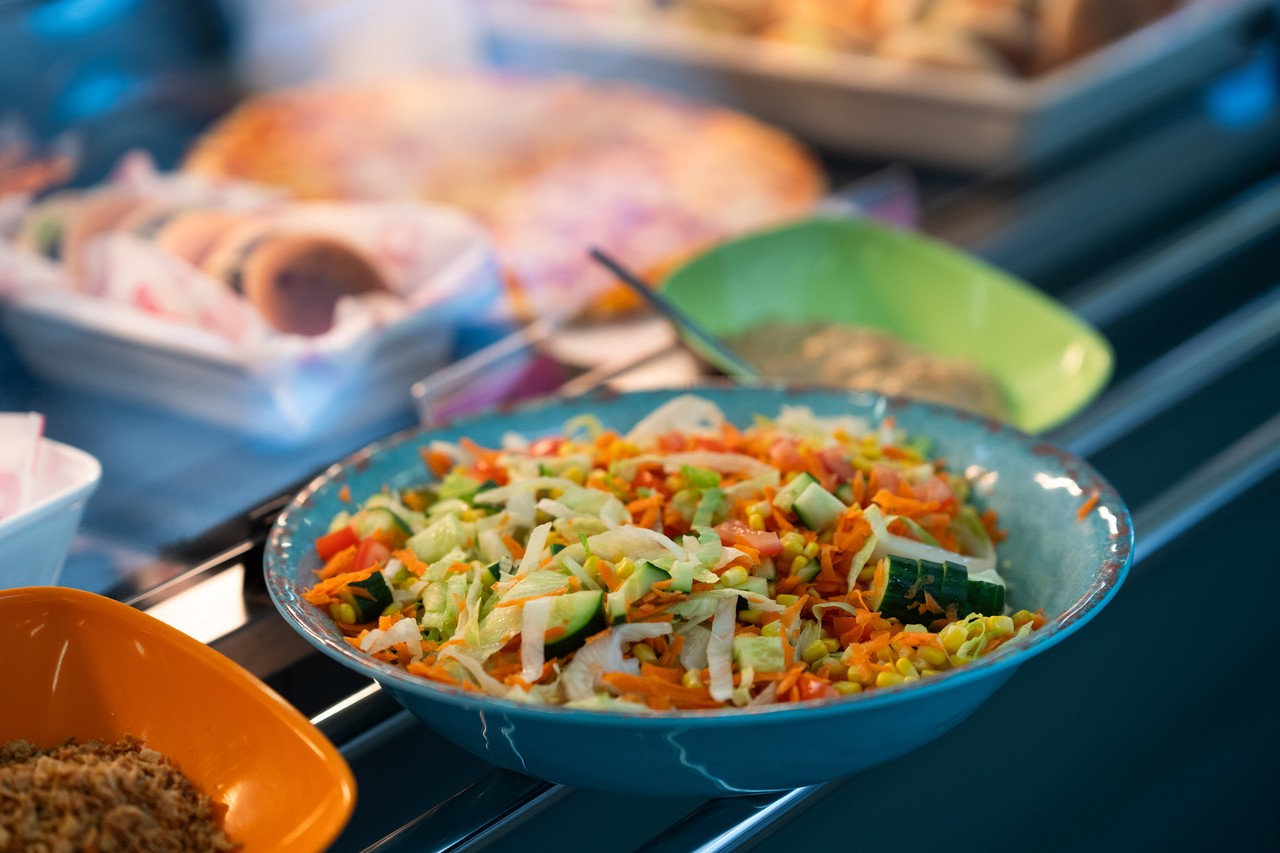 We operate a cashless system in our dining hall at Lower School. This has been very successful resulting in our students experiencing a more efficient, faster and better quality of service.
Using ParentPay
- You will need a ParentPay account to enable you to top up your child’s lunch account. Once you have an account you will see an option to upload money to your child’s lunch account which is called Lower School Catering (this can be used at breakfast, morning break and lunch)
- An activation letter is enclosed with guidance on setting up your account. Please contact the School office if you need help with this
- If you cannot access the ParentPay website you can request a letter with a bar code on it and take this to any local shop that has the Pay Point logo. You must keep the bar code part of the letter to be able to keep topping up your child’s account
- Be aware that it can take up to one week for money paid at a Pay Point to show in your cashless account and normal top ups via ParentPay can take up to twenty-four hours
- You will need to regularly top up your child’s lunch account either online or with a bar code letter. Please check your balance regularly and ensure that your child has sufficient money to make purchases
- Did you know that you can set up balance alerts within ParentPay? Please follow the ‘’help’’ information that is available on ParentPay once you have signed in
- If your child needs to check their balance at School, please ask them to go to the main office during break or lunchtime and not to ask at the tills as this does slow down the service
- You can use ParentPay to check on your child’s spending and also what they are eating. If you need help to find this on your account then please use the system help feature or contact the Lower School office
The Cashless Tills
- A daily spend limit of £7 is programmed into the system. If you would prefer this amount to be lower please contact the School office and we can arrange this
- There is the facility on the system to allow the account to be overdrawn. However, this is to cover emergency situations only and is not a general facility therefore you should always keep your balance in credit with sufficient money to cover any purchases your child wishes to make during the day
- Should your account go into debt then we will send a message reminder to ask you to return the account to credit as soon as possible
- Please remember that the catering provider is a separate organisation to School and they expect School to ensure that money outstanding for food items is collected promptly on their behalf
- Information about student allergies will automatically show on the cashless till. Should your child have an allergy that is notified to School and they attempt to purchase an item containing an allergen then the catering staff will refuse to sell the item. If you think the allergy information for your child is not up to date then please contact the School office
Free School Meals
- If your child has free school meals they will automatically be given £3.00 on their account every day. This will buy them a meal deal lunch and there is tap water available for drinks
- If your child wants to spend more than the £3.00 free school meal allowance you will have to put money into your ParentPay account so that they can pay for anything they spend over £3.00
- Accounts can be individually managed to allow you to either restrict their daily spending limit or to restrict their limit at each service time (breakfast, morning break, lunch)